DOWNLOAD THE APP
CHURCH CENTER
Church Center is a mobile app and web app from Planning Center that gives you simple, convenient access to everything happening at Princeton Pike Church.
You can see updates, find contact info for your Small Group, manage giving and utilize the website to watch sermons and more. The app requires you to login to view your account information or for contact with your groups to ensure your personal data is protected!
1. Download the app
The app is available for iOS and Android using the buttons below. We recommend using the mobile app because it so easy to see and gives you access on the go, but you can also go to the Church Center web app. The features are the same in the mobile and web apps.
2. Log In
On Mobile
You’ll only have to do these steps the first time you open the app
Use location – zip code 45011
Search Princeton Pike Church
Tap Next to agree to the terms of service and privacy policy.
On Web
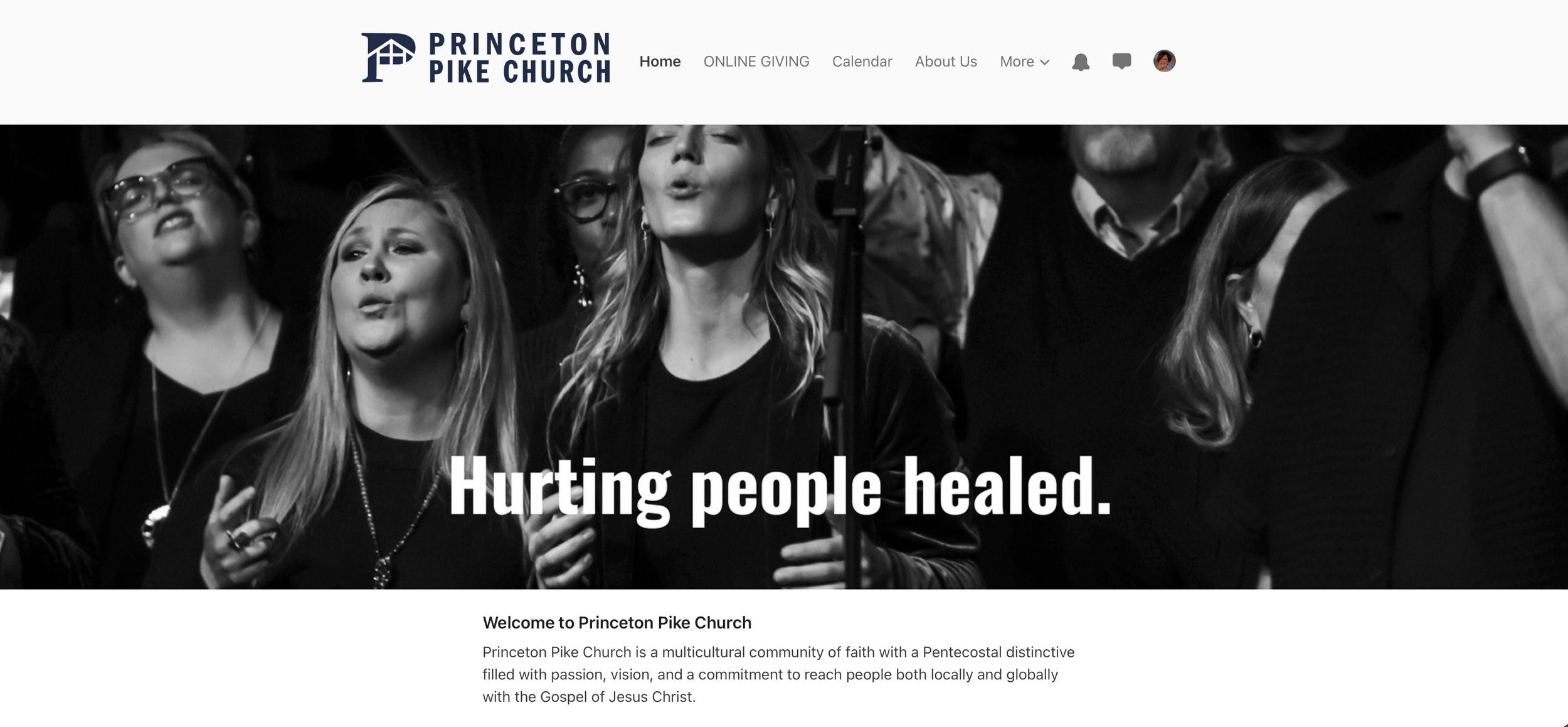
Open the Church Center page Princeton Pike Church (churchcenter.com) in your browser, select Log In at the top right corner of the page.
Next, you’ll be prompted to enter your phone number (or email if you prefer). Enter the six-digit code you receive back via text (or email if you chose that option). If you already have a profile in Planning Center (from serving or being in a small group) you’ll be asked to verify your name. If you don’t already have a profile, you can create one at this point by adding your name and email.